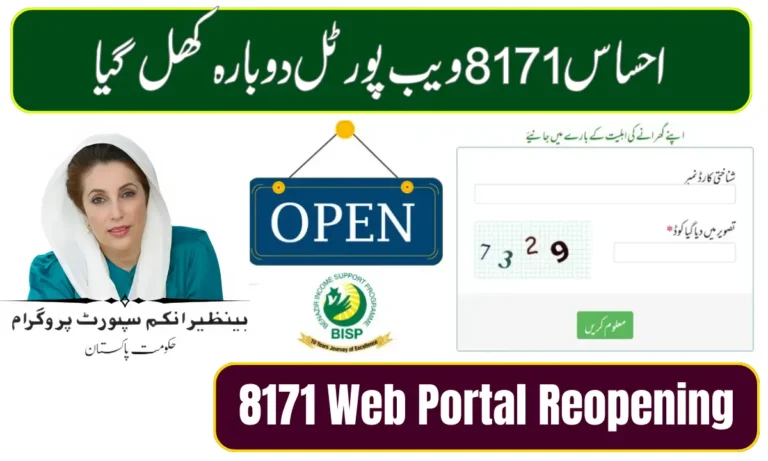

BISP NADRA Profile 2026: Step-by-Step Guide for Beneficiaries
In 2026, the Benazir Income Support Program (BISP) continues to provide essential financial support to eligible families across Pakistan. One of the most crucial aspects for beneficiaries is ensuring that their NADRA profile is up-to-date. An updated profile guarantees that you receive timely payments without any interruption. This article will guide you through everything you need to know about BISP NADRA profile updates, including procedures, eligibility, and common issues.
Why Updating Your BISP NADRA Profile Matters
The NADRA profile serves as the official record of all your personal information, including your CNIC, contact details, and family status. An outdated or incorrect profile can lead to delayed or missed payments. By keeping your information current:
- You ensure accurate disbursement of BISP funds.
- You avoid unnecessary verification delays.
- You make it easier to access additional government welfare programs linked with BISP.
Who Needs to Update Their Profile?
You should update your BISP NADRA profile if you experience any of the following changes:
- Change of Address – Moving to a new city or district.
- Marriage or Divorce – Updating marital status affects eligibility.
- New Family Members – Adding newborns or dependents.
- Change in Contact Information – New mobile number or email address.
- Lost or Damaged CNIC – Any updates from NADRA need to reflect in BISP records.
Step-by-Step Guide to Update Your BISP NADRA Profile 2026
Updating your profile is easier than ever in 2026. You can complete the process online or offline, depending on your preference:
1. Online Update via BISP Portal
- Visit the official BISP website and log in with your CNIC and password.
- Navigate to “Profile Update” under the beneficiary dashboard.
- Update your details accurately (e.g., address, family info).
- Submit scanned copies of required documents, such as your CNIC or utility bills.
- Receive confirmation via SMS or email once your profile is updated.
2. Offline Update at BISP Field Offices
- Visit the nearest BISP Registration or NADRA office.
- Fill out the Profile Update Form with the help of staff.
- Submit supporting documents for verification.
- The update is processed within 7-14 working days, and confirmation will be sent via SMS.
Common Issues and How to Solve Them
Even with a simple process, beneficiaries often face issues. Here are common problems and solutions:
| Issue | Solution |
|---|---|
| CNIC not recognized | Verify CNIC at NADRA before updating BISP. |
| Payment delay after update | Contact BISP helpline and provide confirmation SMS. |
| Incorrect family details | Submit correct documents at nearest BISP office. |
Tips for a Smooth BISP NADRA Update
- Always double-check CNIC number and spelling of names.
- Keep digital copies of all submitted documents.
- Update your profile immediately after any personal change.
- Regularly check your BISP account to ensure information is correct.
Conclusion
Keeping your BISP NADRA profile updated in 2026 is crucial to ensure uninterrupted financial support. Whether you choose the online portal or visit the BISP office, timely updates protect your benefits and prevent complications. By following this guide, you can manage your profile efficiently and confidently receive your entitled payments.